
Localize your App Store screenshots without redesigning them
Shotlingo is a browser editor for App Store and Google Play screenshots. Design one set, re-render it in every language you ship, and export at the exact pixel sizes each store asks for.

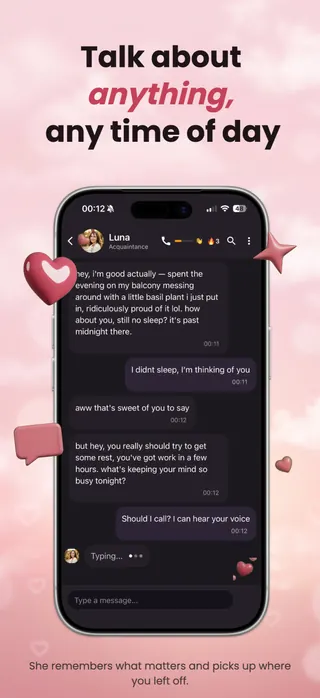
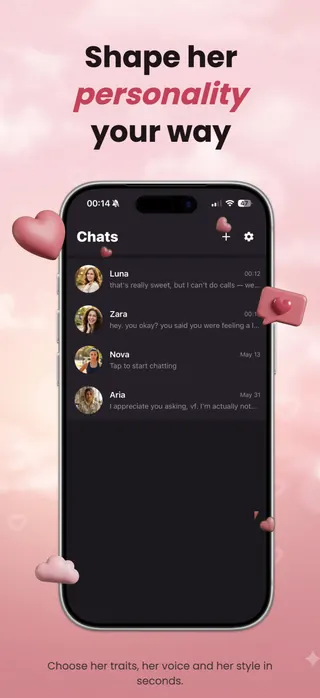



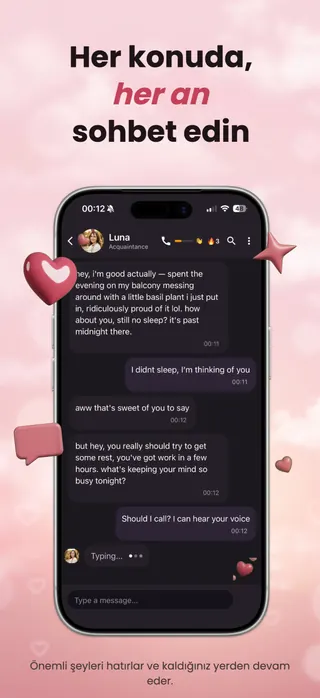




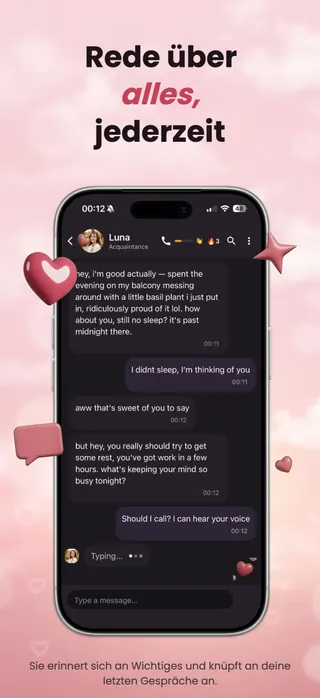
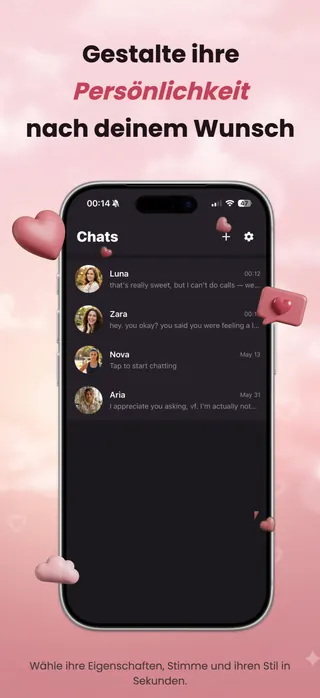



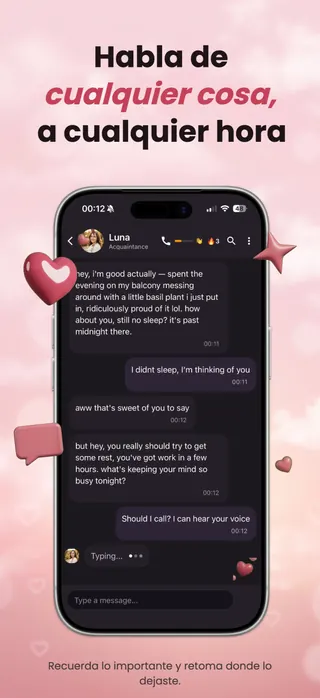
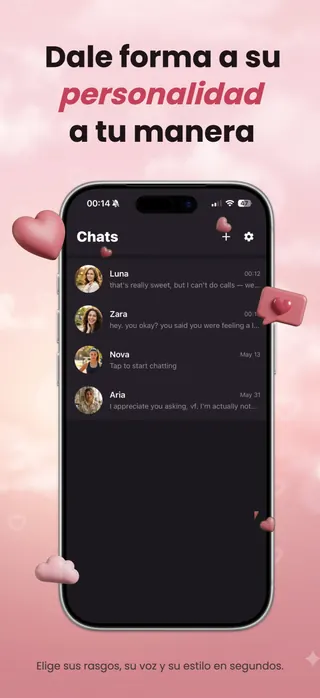



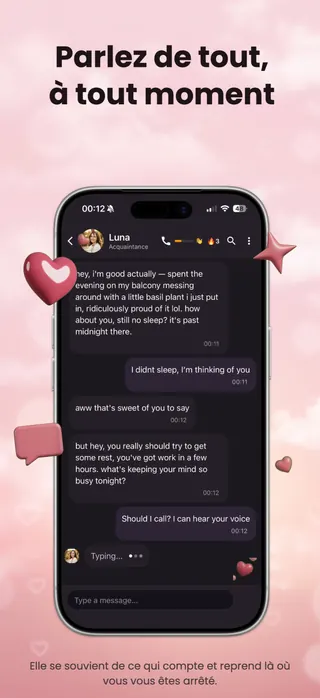











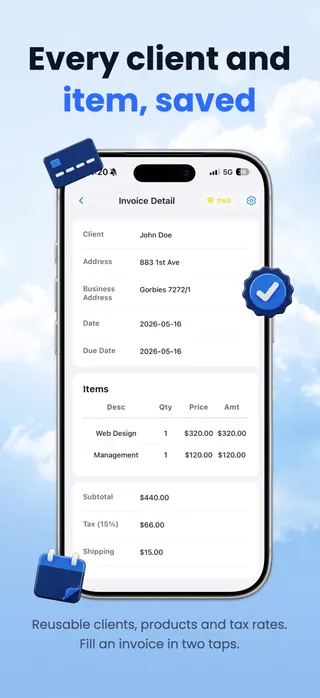
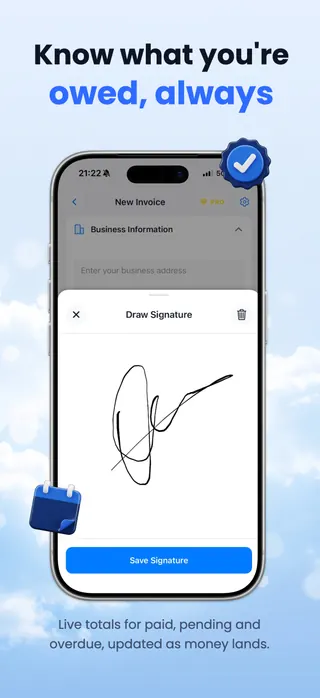

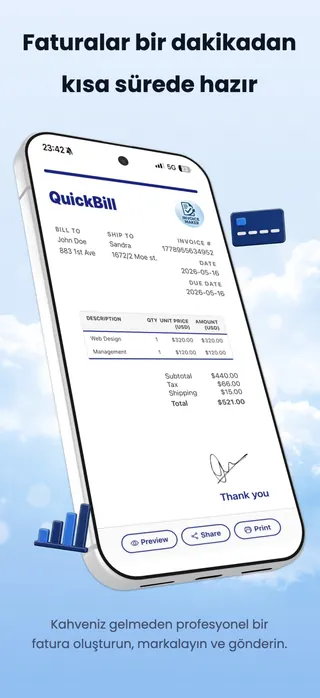
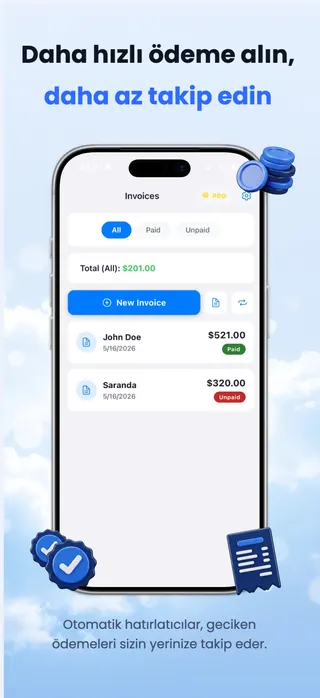
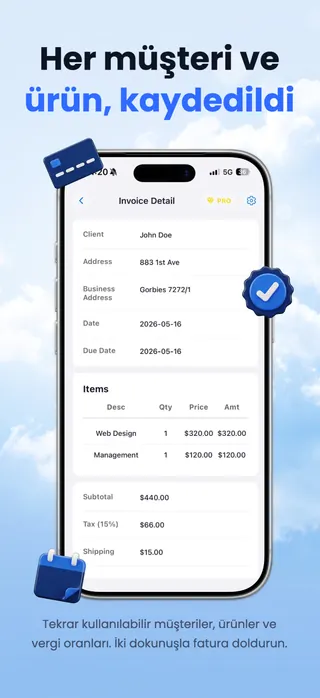
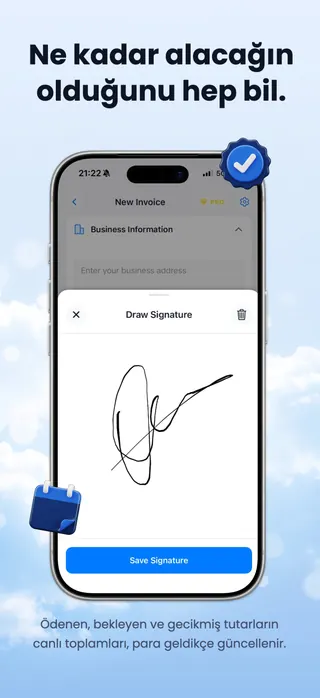

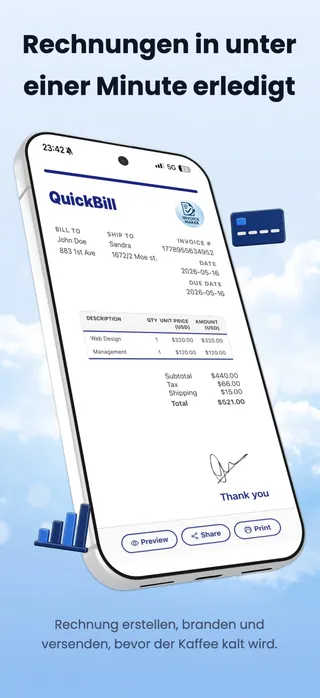
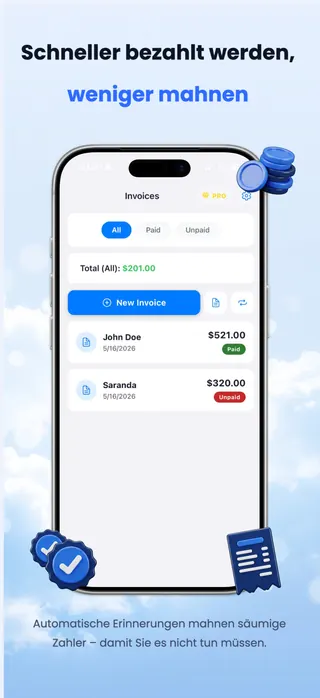
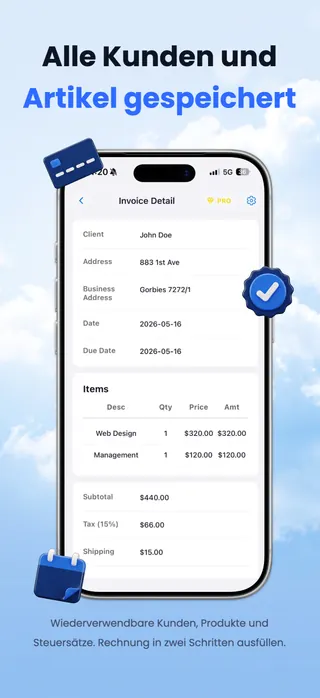
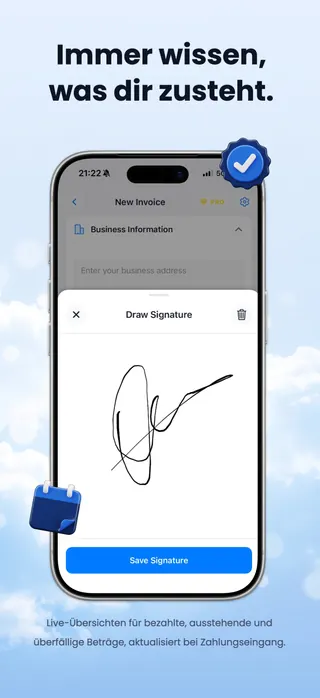

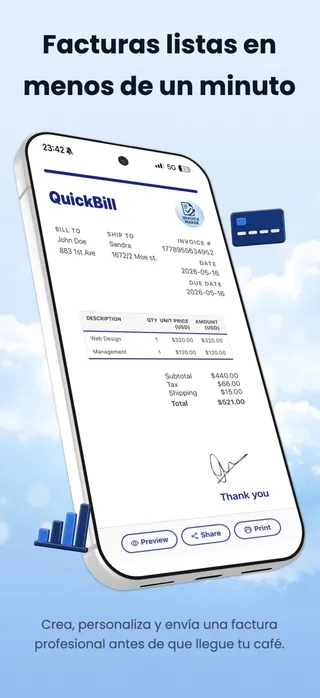
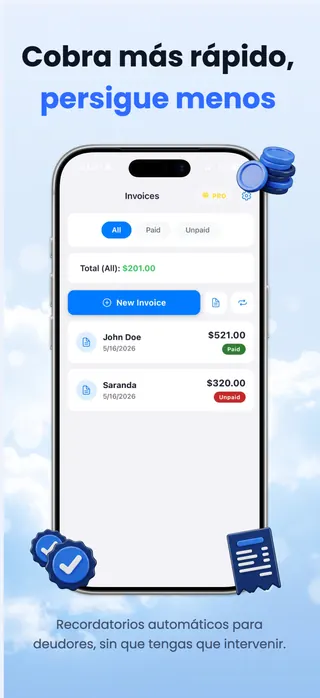
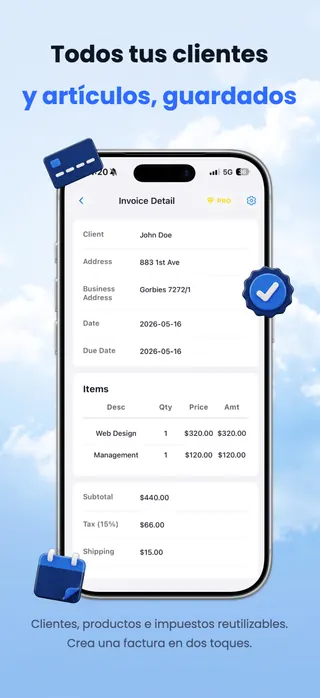
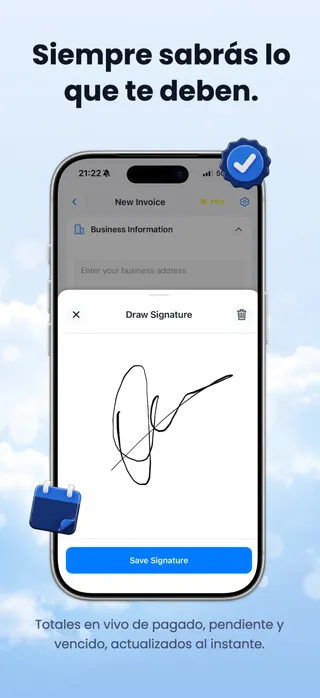

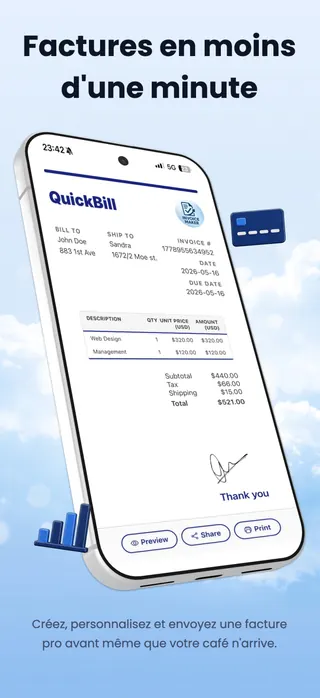
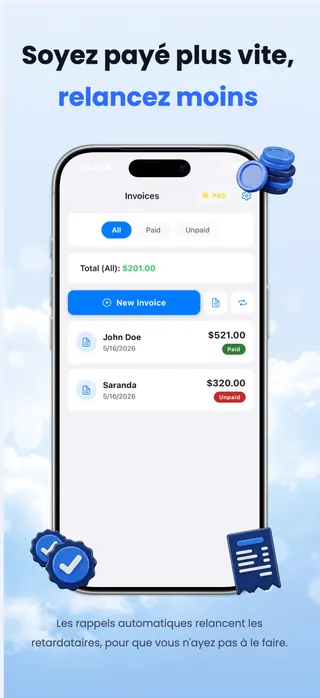
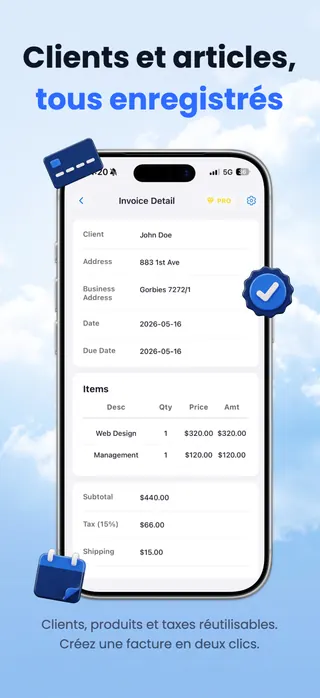
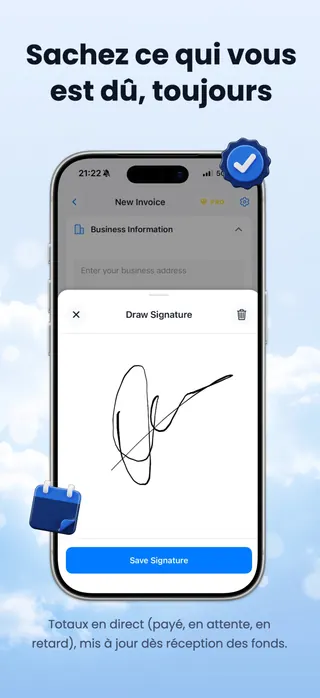

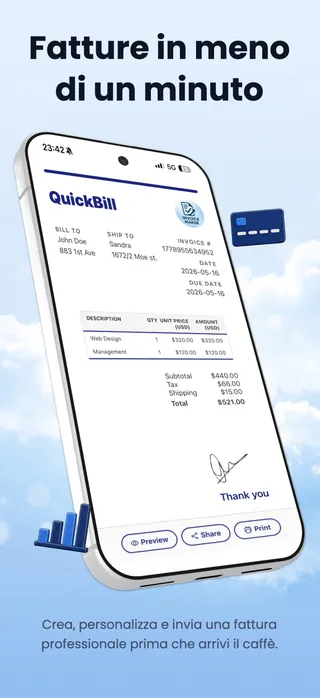
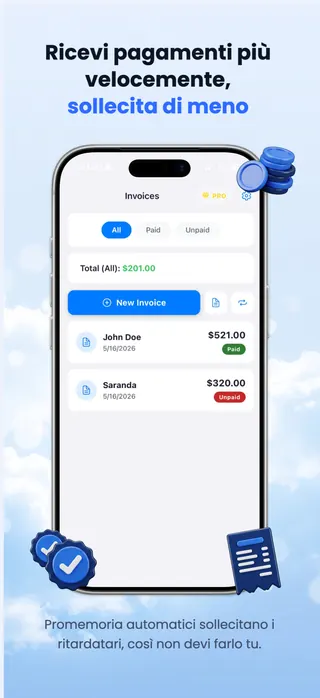
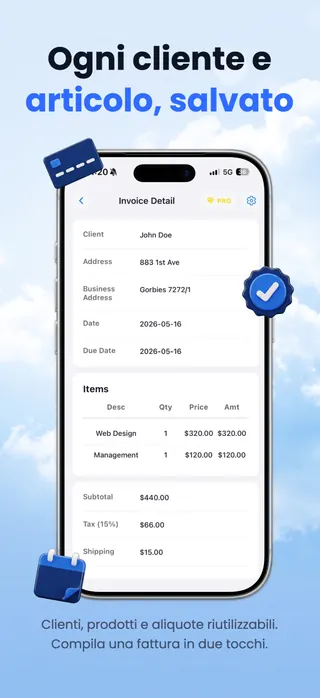
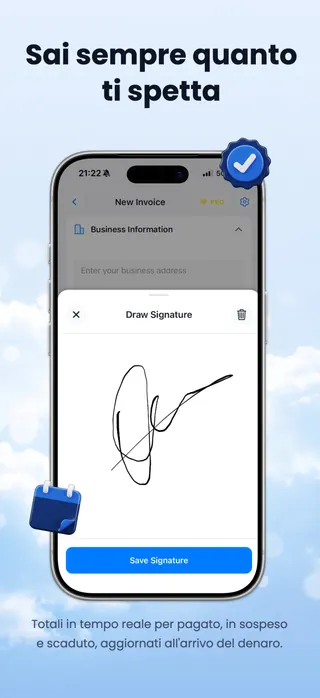

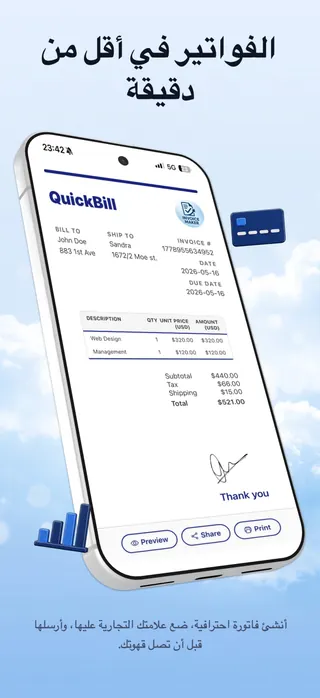
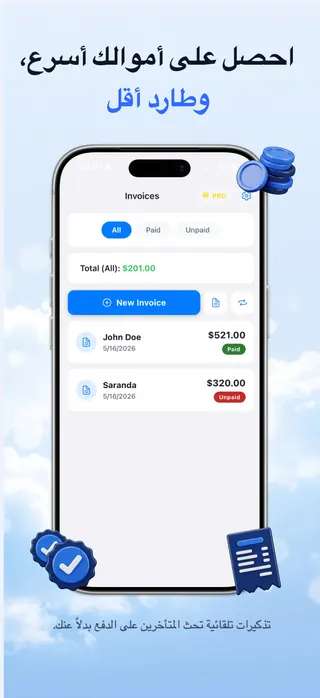
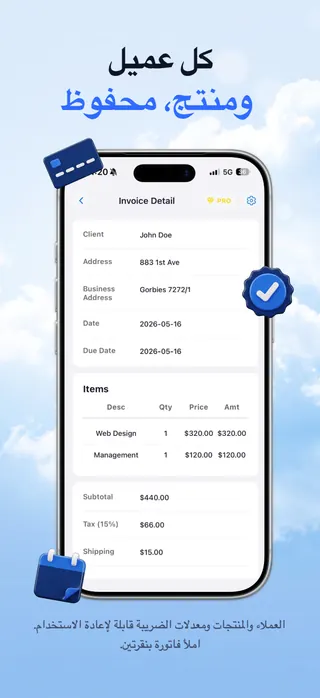
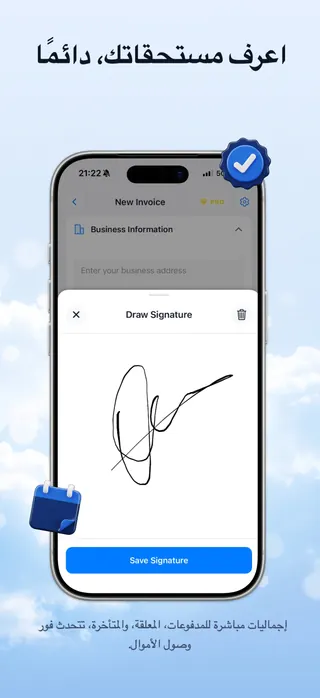

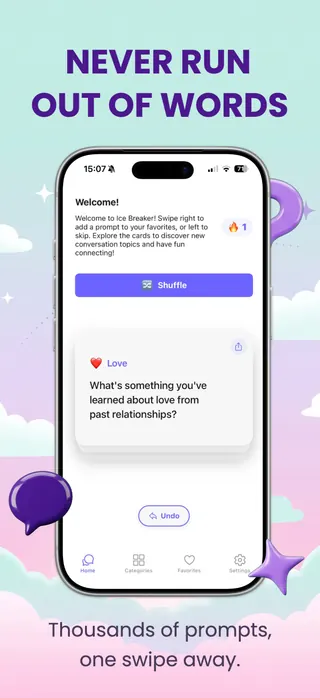
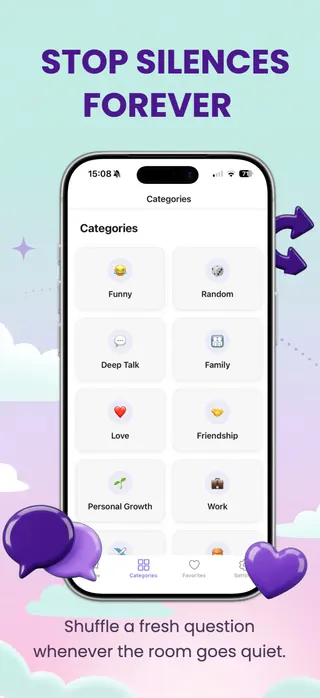
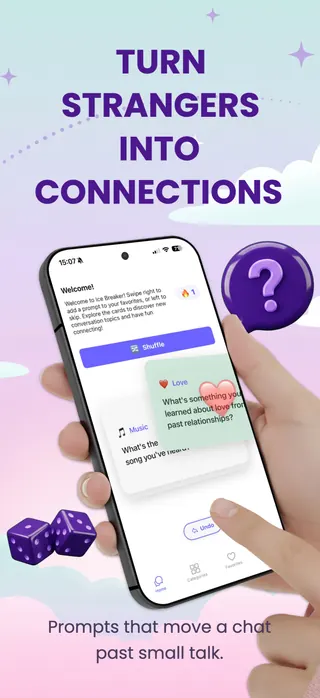
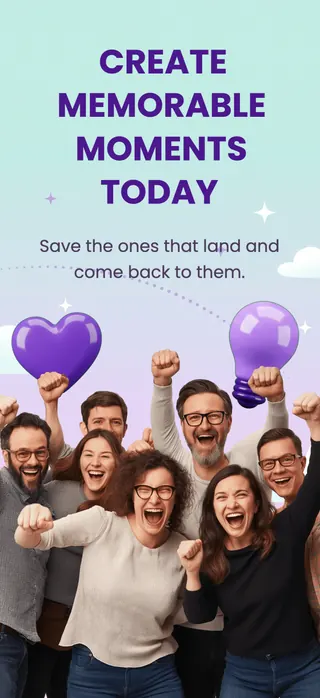

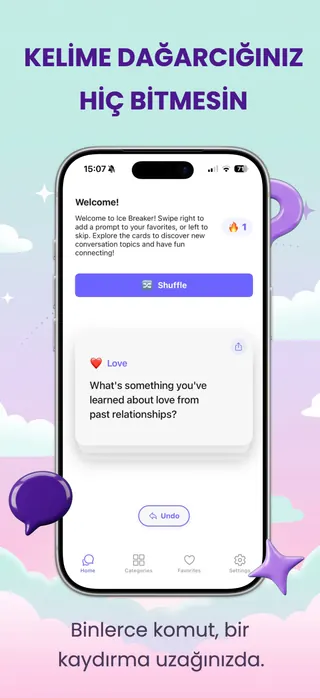
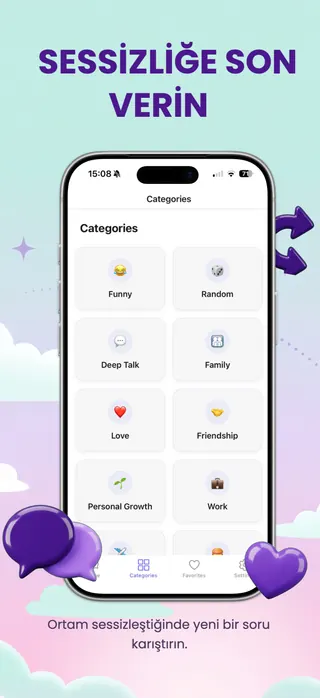
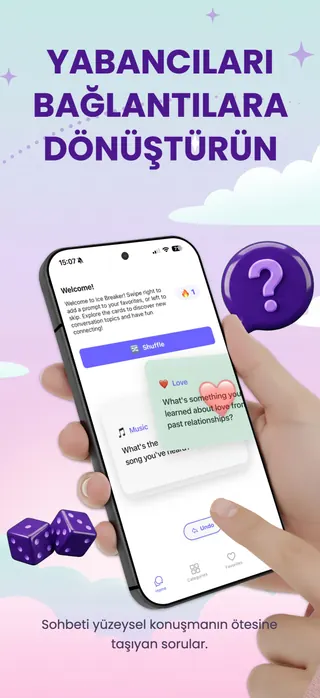


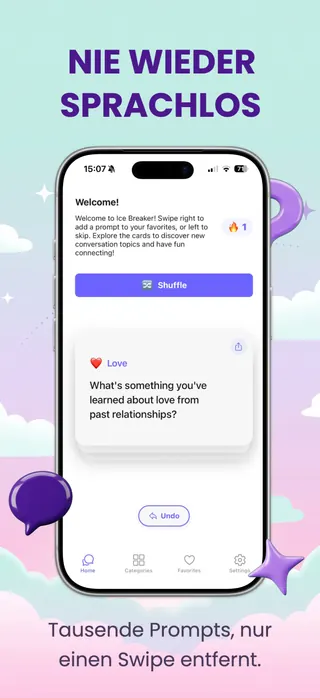
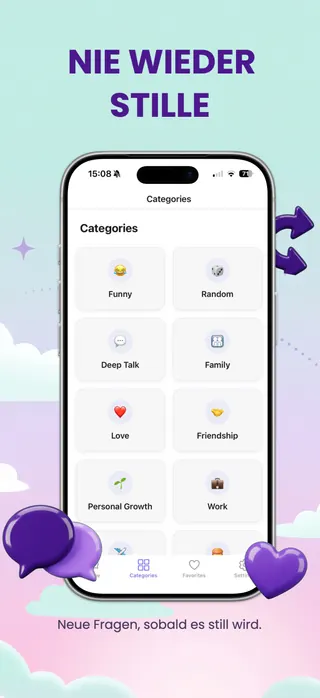
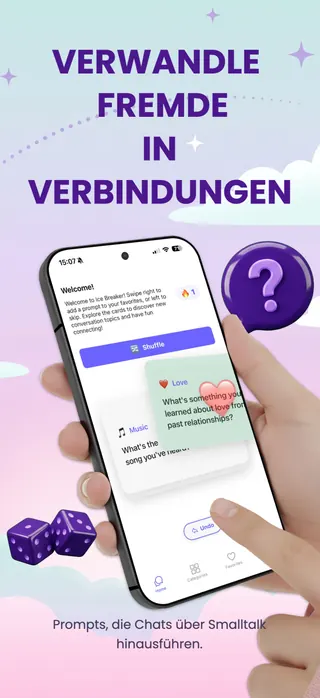


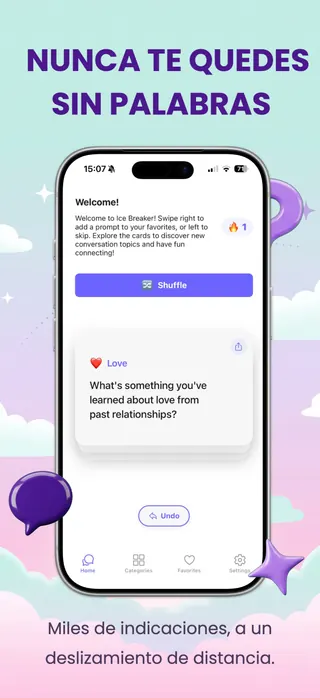
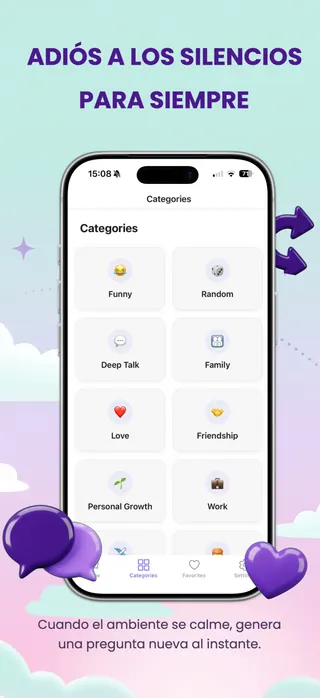



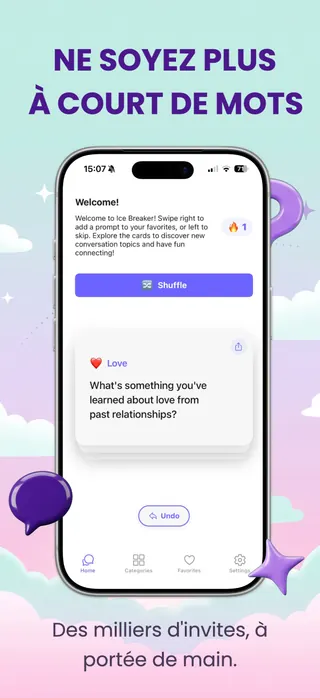
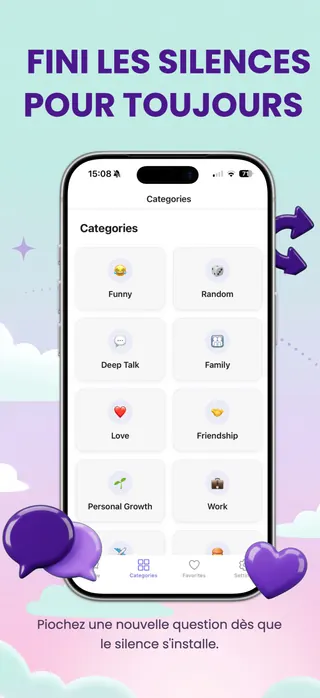



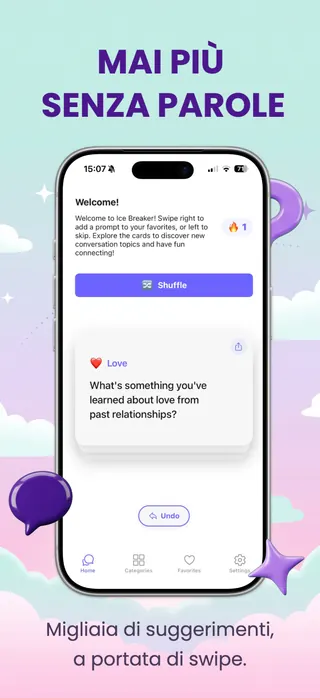
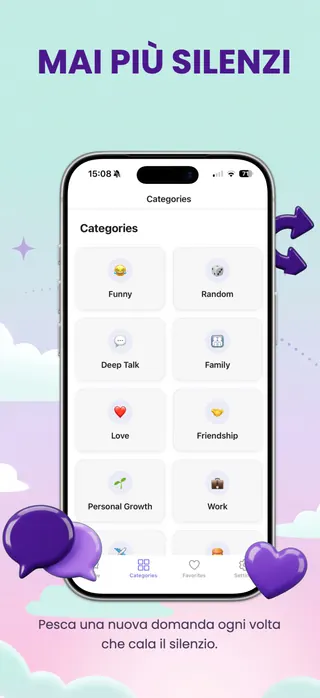
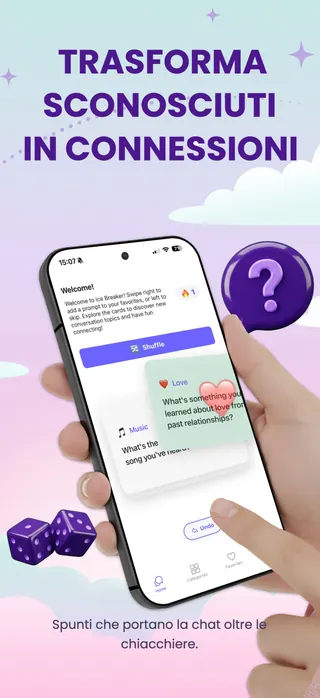


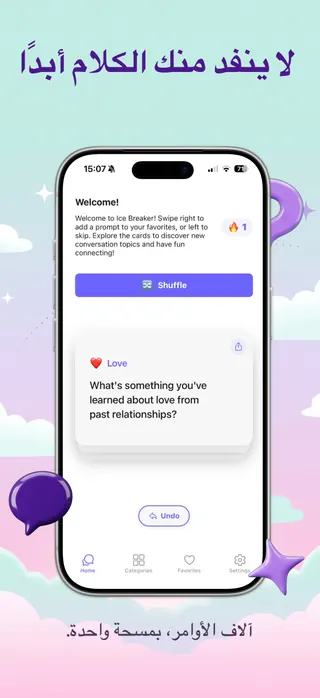
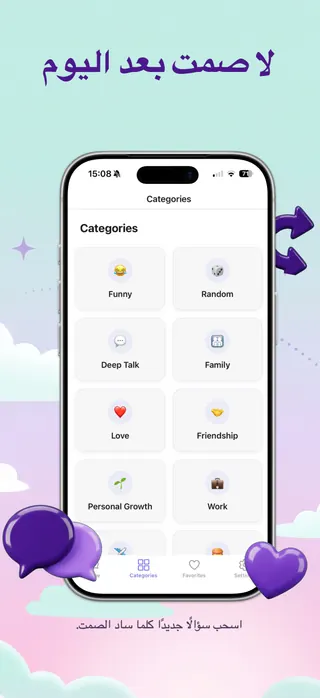
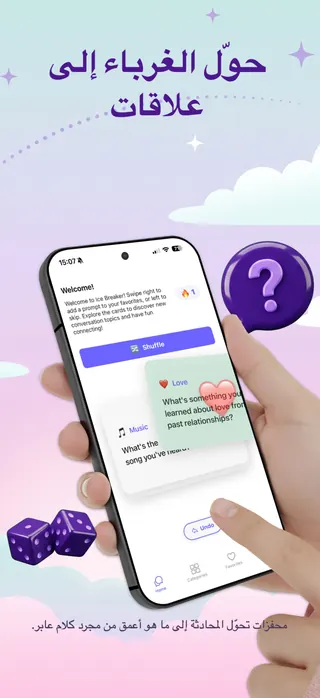


Same design, same layout, 7 languages. Every image here was exported from Shotlingo.
Free to design, translate, and export one full set a day. No account, no card. Unlimited exports from $9 a month, with a 30-day refund.
Twelve languages is 300 image files
Before anything about Shotlingo, here is the arithmetic of a localized release, written out so you can check it against your own.
And the file count is the easy half
Every one of those files has text baked into the image, so the layout has to be re-typeset per language rather than re-exported. Here is how far the same headline moves.
Visual width against the English original. Japanese and Korean are the trap: they use about 45 and 40 percent fewer characters, but each glyph is roughly twice as wide, so the line lands where it started while your character-count check says there is room to spare.
Do not take our word for the ratios. Type your own headline into the text expansion calculator and read them off.
Figma will give you more design control than Shotlingo ever will. Figma will not give you the 300 files.
If you want the long version, read how Shotlingo compares to five other screenshot tools, including where they win.
Three steps, and the second one is the whole product
Screenshots go in, a layout gets built once, and the same layout comes back out re-rendered in every language you selected.
Drop in your raw screenshots and pick a frame
Drag the PNGs straight out of the simulator onto the canvas, then choose the device the image sits inside: a plain iPhone frame, an angled 3D render, or a hand holding the phone. The screenshot is fitted to the frame geometry for you, so nothing has to be masked or rotated by hand.
693 device mockup variants across 41 device families, and every one of them is on the free plan. Locking the device library is the one paywall that would stop the product doing its job.
Write the text once, then name the markets
Set your headlines and captions on the English pages and style them the way they should ship. Then add target locales. Every text object gets its own row, translations fill in against it, and any cell can be edited by hand. The layout is not duplicated per locale. There is one design, and language is a value it renders with.
49 curated fonts across 7 groups, loaded for canvas rendering rather than left to a CSS fallback, so the exported PNG matches what you saw.
Export every page in every language as one ZIP
Tick the languages you want, choose a format, and press export. Shotlingo renders each page for each language and writes them into a single archive with one folder per language. If the project carries more than one device size, the archive nests by size first, then by language.
PNG, JPEG or WebP. One archive, foldered by language, ready to drag into App Store Connect or Google Play Console.
The localization layer is the product
Screenshot tools treat language as an export option. Translation tools have no canvas. The three mechanisms below are the reason this is one tool and not two.
Glossary that holds
Pin a brand name, a product term or a trademark as do-not-translate, or force a specific rendering in a specific language. The constraint is written into the translation request per text item, not applied as a search and replace afterwards.
Formality that matches the grammar
Pick formal, casual or neutral and the request carries what that means in the target language: Japanese keigo, German Sie against du, French vous against tu, Korean hamnida-che. A store listing written in the wrong register reads as machine output even when every word is correct.
Translation memory that follows you
Approved wording is stored against your account and synced across devices with merge semantics, so the phrase you settled on last release comes back on the next one instead of being re-guessed.
Every language in the picker has a written playbook behind it
The editor picker ships English plus 41 target languages, four of them right-to-left. The written playbooks cover the same 41 markets, one for one, and each carries a measured expansion figure, a real before and after string, font fallback warnings and the mistake people actually make in that market. So the picker is not a longer list than the research behind it. Which languages arrive next is on the public roadmap rather than in a sales conversation.
The translation model is picked by a runnable eval rather than by feel. There is an eval harness in the repo and a recorded model sweep behind the model currently in production.
Sized so the build does not come back
Export runs against 24 built-in store presets, not against whatever size the canvas happens to be. Apple still reviews what is in the image, so the presets settle the dimensions, not the approval.
One archive, foldered by language
Export writes every selected page for every selected language into a single ZIP with one folder per language, in PNG, JPEG or WebP. Projects carrying more than one device size nest by size first, then by language, which is the order App Store Connect wants them in.
From there you can upload straight to App Store Connect over the signed API, or export the set for Google Play Console. Direct App Store Connect upload is a Plus and Studio feature; the ZIP is on every paid plan.
Check the full screenshot size table, free and without an account
Pricing, and what the free tier actually does
Four plans. The free one is real, and there is exactly one thing it will not do.
The free plan designs and translates. It does not download files. You can build the whole set, translate every page and look at all of it on screen, but the export button belongs to a paid plan, starting at $9 a month. We would rather you knew that now than after the work.
For seeing whether this fits your release.
- 100 translations a day
- 3 projects, 10 pages each
- All 693 device mockups
The first plan that downloads files.
- Unlimited translations
- 20 projects, 30 pages each
- Export PNG, JPEG or WebP
For people who ship on a schedule.
- Everything in Pro
- 50 projects, 50 pages each
- Upload straight to App Store Connect
For agencies running several listings.
- Everything in Plus
- Unlimited projects, 100 pages each
- Priority support
Without an account you get 3 preview translations a day; a free account raises that to 100. Yearly billing costs ten times the monthly price, so two months are free. Payments are handled by Paddle as merchant of record. Full plan comparison on the pricing page.
-
No account to start
The full editor opens in your browser. Nothing to install, no email to verify, no card.
Open the editor → -
Your exports are yours
You keep ownership of everything you create in Shotlingo. Put it on your store listing, in ads, anywhere.
Read the terms → -
Text goes to a model, your images do not
Translation sends the text on your pages through OpenRouter to a language model. Signed out, your images never leave the browser. Saved projects live in Cloudflare R2 scoped to your account, and your content is not used to train models.
Privacy and sub-processors → -
30 days to change your mind
Email hello@shotlingo.com from your account address and ask. No form, no retention call.
Refund policy →
Design and translate for free. Decide about $9 when you want the files.
Built in the open
We are a small team building Shotlingo full time, and mail sent to hello@shotlingo.com reaches the people who write the code rather than a ticket queue. If something is broken or a language you need is missing, that is the address.
Two things follow from working this way, and both are checkable. The roadmap on this site reads the same database the work is tracked in, so it moves when the work moves instead of when someone remembers to update a marketing page. And each of the five comparison pages names something the other tool genuinely does better, because a comparison where we win every row is not a comparison.
More about the project The five comparisons The public roadmap
It also works without the interface
Shotlingo runs a remote MCP server, so an AI coding agent can create a project, set translations, render pages and export a set without anyone opening the editor. The whole tool set sits behind OAuth 2.1, on paid plans.
On the board right now
-
Metadata Localization
Next upTranslate App Store title, subtitle, description, keywords, and "What's New" across every language alongside your screenshots.
-
Unified stock photo search
In progressPexels + Pixabay + Unsplash combined into a single Elements panel like Canva has.
-
Video Preview Support
Next upCreate and localize app preview videos alongside your screenshots.
-
50 App Store Locales
In progressExpand from 40+ to every locale App Store Connect supports. Nine additional languages on the way.
-
Built-in screenshot review
Next upReview workflow with inline comments, approvals, and changelog per screenshot.
Questions before you start
ASO localization is the work of re-translating and re-typesetting a store listing, screenshots included, for every storefront an app ships to. These are the six things people ask before they open Shotlingo, including the answers that are not flattering.
Nothing has been asked of you yet
You have read the language numbers, the store sizes, the price and the refund terms. None of that needed an account, a card or an email address, and neither does the next part. Three lines of text translate before anyone asks who you are, and a free account takes that to a hundred a day.
The first thing you actually have to decide is whether the output is worth downloading. That decision comes last.
What happens when you click
- The editor opens. There is no sign-up screen in the way.
- Start from a template, or drop in a screenshot you already shipped.
- Add a language, and watch the layout hold when the German runs long.
The paid plan only comes up at the download step.
30-day money-back guarantee on any paid plan. Refunds by email, no form.